
Code Snap 2600
Hi everyone,
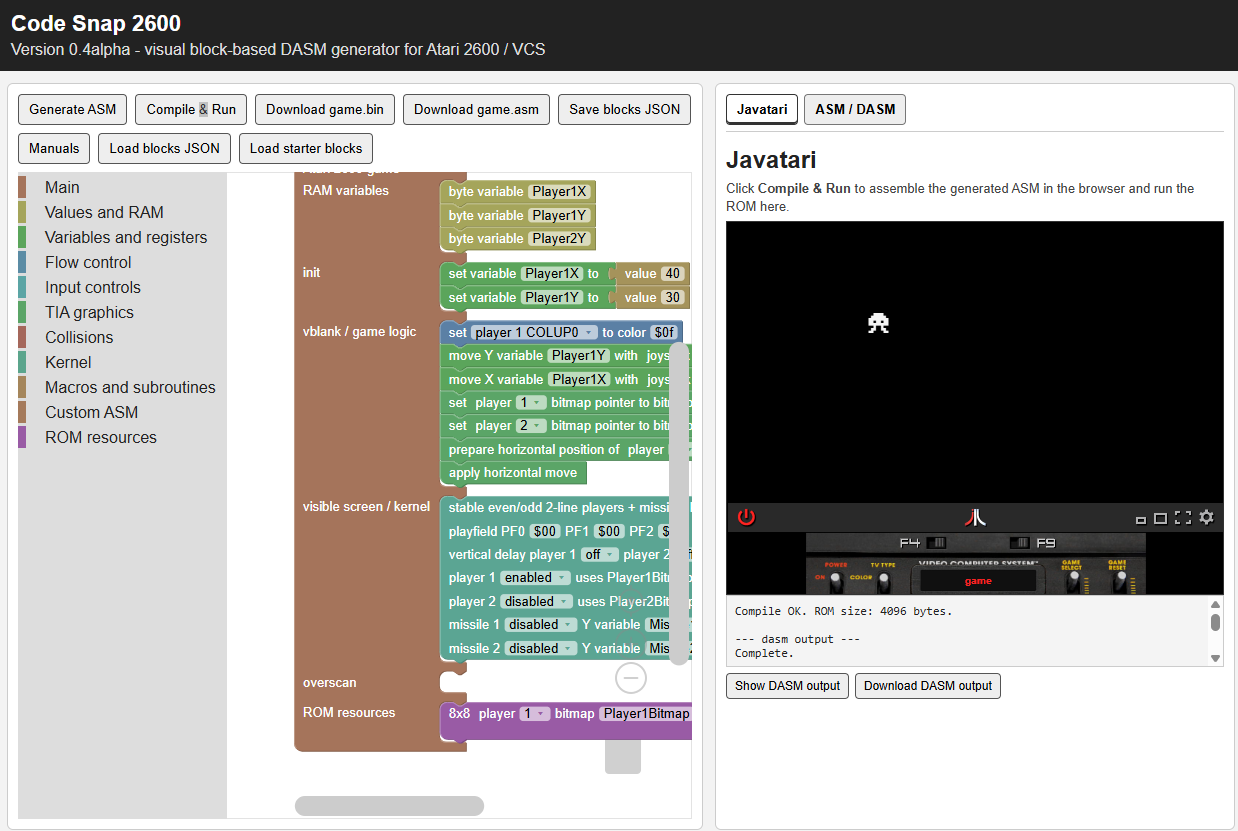
Code Snap 2600 is a very early prototype of a visual tool for creating Atari 2600 games using Blockly.
Current release 0.8.4alpha.
The goal is similar to other visual Atari/game-creation tools (this tool was inspired by the excellent tool VCS Game Maker), but with a different focus: Code Snap 2600 generates DASM-compatible 6502 assembly code directly, instead of using batari Basic.
The new 0.8alpha version includes manuals in 8 different languages (italian, english, polish, spanish, portuguese, mandarin, french, german).
Version 0.8.1alpha includes some math operations (like simple multiplication and division) and simple animations.
This is still experimental and very basic, but it already includes some simple blocks for variables, joystick input, player bitmaps, playfield registers, kernels, animations, sound and ASM and binaries generation.
Important note: I have added some documents to explain how microkernels work. It is a little tricky but it was necessary to clarify spefically if complex code is done in the visible area of the game. Please read carefully the documents about microkernels in the manuals zip file attached (this part is also present in the manuals while running the tool). Also previously the max height of a single microkernel was set to 95 now can be set up to 94 (95 makes the game flickering and being out of sync).
You can directly try the generated game in the javatari emulator on the right side. It is enough to press "generate asm" and then "Compile and Run" (it uses this dasm version compiled in webassembly dasmjs).
You can find tutorials following the link on this YouTube page
Added the blocks configuration for the 4 tutorials in tutorials1_6.zip (attached to this page)
The example attached (mini_game4.json) creates a sprite that can be moved vertically and horizontally using the arrow keys and can fire to a moving target updating score (depending on the distance from the target) and with sound effects. To try it, download on a folder on your computer, open the tool, click “Load Blocks JSON,” and select the downloaded file. Then press Generate ASM and Compile & Run
I have attached an HTML version of the user manual in the available languages.
I used AI to help with some repetitive parts of the code, code documentation, and the creation of the manuals.
Feedback, suggestions, and bug reports are welcome.
Download
Development log
- Added new game "Lane Assault"82 days ago
- Version 0.8.4alpha released84 days ago
- Added tutorial 6 - microkernels85 days ago
- Version 0.8.3alpha released85 days ago
- Added new tutorial85 days ago
- New Update 0.8.2alpha86 days ago
- Update 0.8.1alpha86 days ago
- Released 0.8alpha version87 days ago
Comments
Log in with itch.io to leave a comment.
Hello kamaleon70. It's a great idea to develop software with blocks. I work with App Inventor and Scratch, and with some python tools related to block coding. I hope this project evolve to a great one. I'm also a ZX Spectrum coder and i was thinking in make a IDE for develop Spectrum games with blocks, but i only focus in my Text Game Engine in the last years, so this not evolve, but i think this could be a REALLY Great way to prototype and also Develop really good games for Spectrum/Commodore. (I know the difference between them, but as the quote say...Dream is very cheap).
Hi, thanks. :)
I think that using blockly to handle ZX Spectrum code could be a good idea. I was thinking to do that with NES code (or Vic20 or C64 - I am only expert on 6502 assembly, I have just a minimum knowledge of z80 assembly) after I am done with this project for Atari 2600 (but I believe that this project will take a long time to stabilize).
Great start for just a prototype.